
The whole menu
Behind one simple menu, AuthorOrbit does the work of a book database, an accounts package, a marketing planner and a writing studio. Here’s the whole menu.
Your books & income
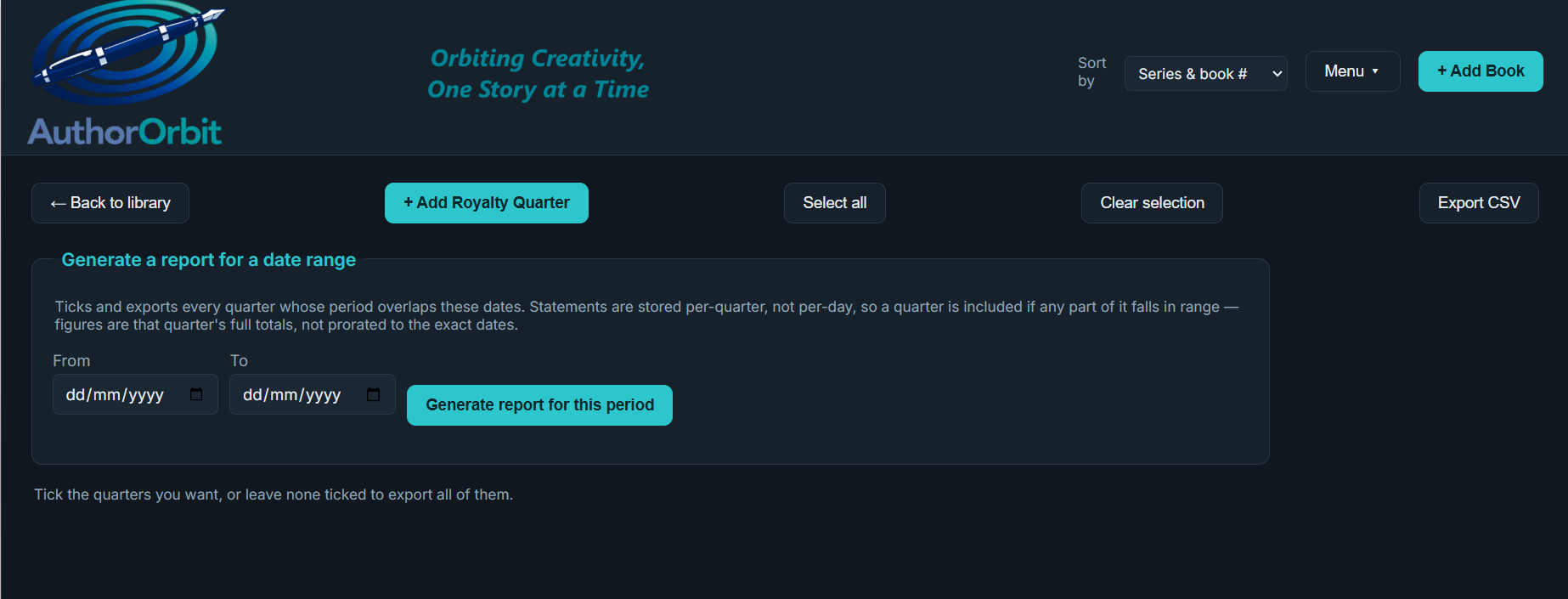
Book Library
Your entire catalogue at a glance: covers, blurbs, series order, buy links and key dates for every title, on one shelf. Add a Future Teaser to any upcoming book to keep a snippet or caption ready.
Universal Links
Grab the right buy link for any book with one click. No more digging through documents every time you post.
Royalty Table
Finally see what you’re really earning. Drop in a statement — PDF or spreadsheet — and AuthorOrbit reads it for you, keeping a clean, year-by-year record. It understands Amazon KDP & Kindle Unlimited, Draft2Digital, IngramSpark, Kobo and more, and keeps the original file attached to its quarter.
Tag each statement by income stream — ebook retail, print, audiobook, translation and foreign rights, direct sales, or streams of your own — then run reports for each one. Direct-sales, audiobook and translation statements (Payhip, itch.io, Storytel and similar) are read in beta: always check the preview before anything is saved.
Pounds, dollars and euros — kept separate
Earn in dollars, spend in pounds, sell in euros? Each currency gets its own tab with its own royalties, expenses, costs, totals and reports, so nothing is ever mixed together or silently converted. Type amounts the way you write them — 1,234.56 or 1.234,56 — and it understands both.
Author Expenses
Every cost of running your author business in one ledger. Tag a spend to a book to see what a launch really cost; filter by tax year for your accountant.
Author Costs
A running list of your subscriptions and memberships, with a nudge before a free trial quietly turns into a bill.
Tax Schedule
Pulls royalty income together with business and household expenses into one ready-made schedule for your tax year — you choose when it starts (6 April for the UK, 1 January for a calendar year, or your own date). Royalty income is broken down by stream, and every currency gets its own schedule and CSV. A head start for your accountant, not a replacement.
My Publisher/s
Every publisher’s details, contacts and contracts kept together.
Royalty Table, Author Expenses, Author Costs and Tax Schedule are data repositories — it’s up to you what you record and how accurate it is. Rubbish in, rubbish out. AuthorOrbit doesn’t convert currencies and doesn’t handle VAT or sales tax, and nothing it produces is tax advice.
Your readers & marketing
ARC Reader Team
Who your advance readers are, how to reach them, and which book each one has.
Social Links
All your handles and author-site links in one spot, ready when you set up a promo.
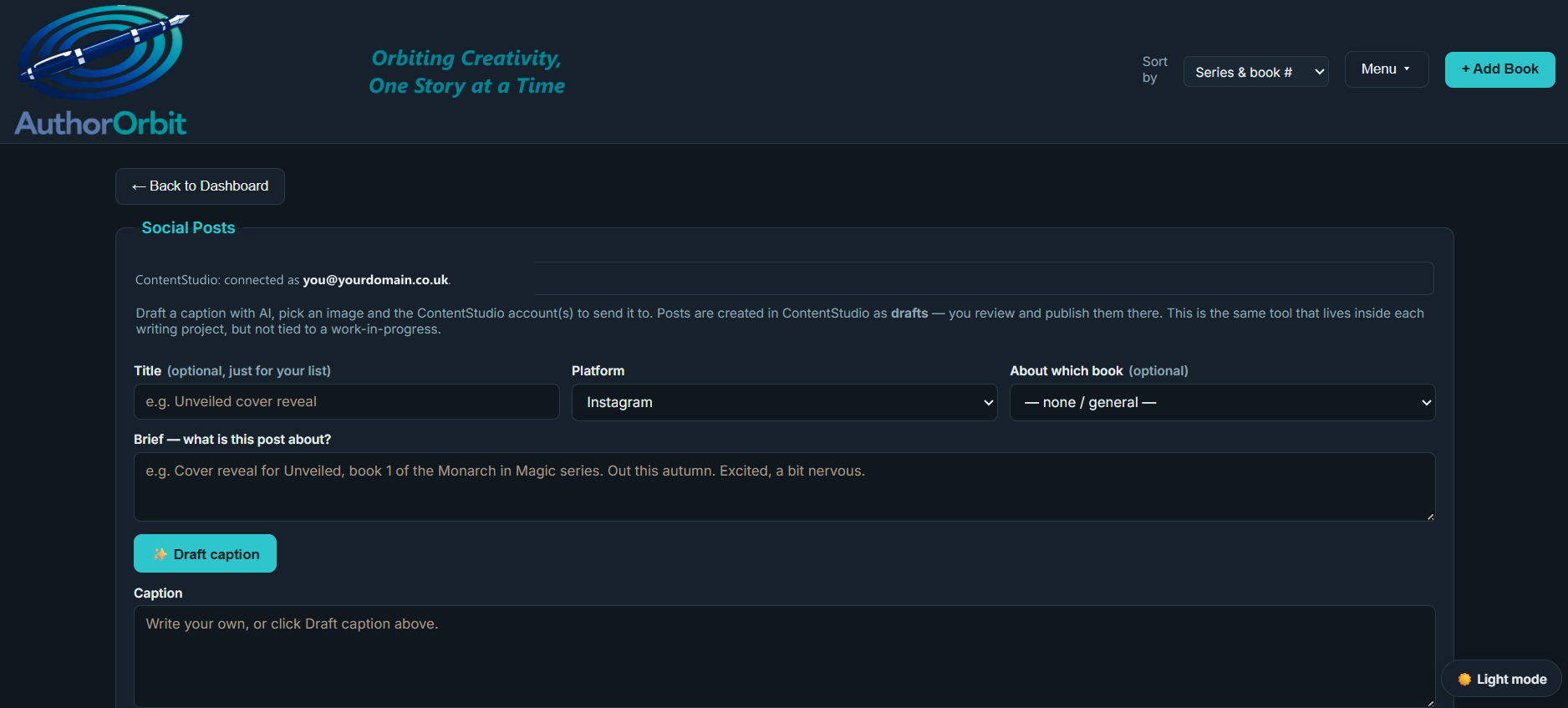
Social Posts
Describe the post in a line (“cover reveal for Book 3”) and AuthorOrbit drafts the caption in your voice for the platform you’re posting to — Instagram, Facebook, TikTok, Bluesky, Pinterest and more. Point it at a book and that book’s buy link goes in automatically, as long as the universal link has already been captured for it. When it reads right, you can copy and paste this to your scheduler as a ready-to-review draft — AuthorOrbit never publishes anything itself.
Online Appearances
A searchable, taggable library of every blog, podcast, business or site that’s featured you. Paste the link once; find it forever.
Promo Events
Plan your online events and sales, with gentle nudges so a deadline never sneaks up.
In Person Events
Signings and conventions handled: a logistics checklist, book-stock counts, costs and to-dos for every event in one view.
Piracy Watch
Spot where your books are being pirated, and do something about it. AuthorOrbit builds ready-made searches — your author name with the legitimate retailers filtered out, your whole catalogue, a single title, or your own watchlist of known pirate sites — and you click through to review the results yourself. Log a find and it drafts the DMCA takedown notice for you, complete with the required legal statements and your ISBN and retail links as proof of ownership. Mark it sent and it chases you again in 14 days if nothing’s happened. You always review and send it yourself — a takedown is a sworn statement, so it’s never automatic.
Your writing studio
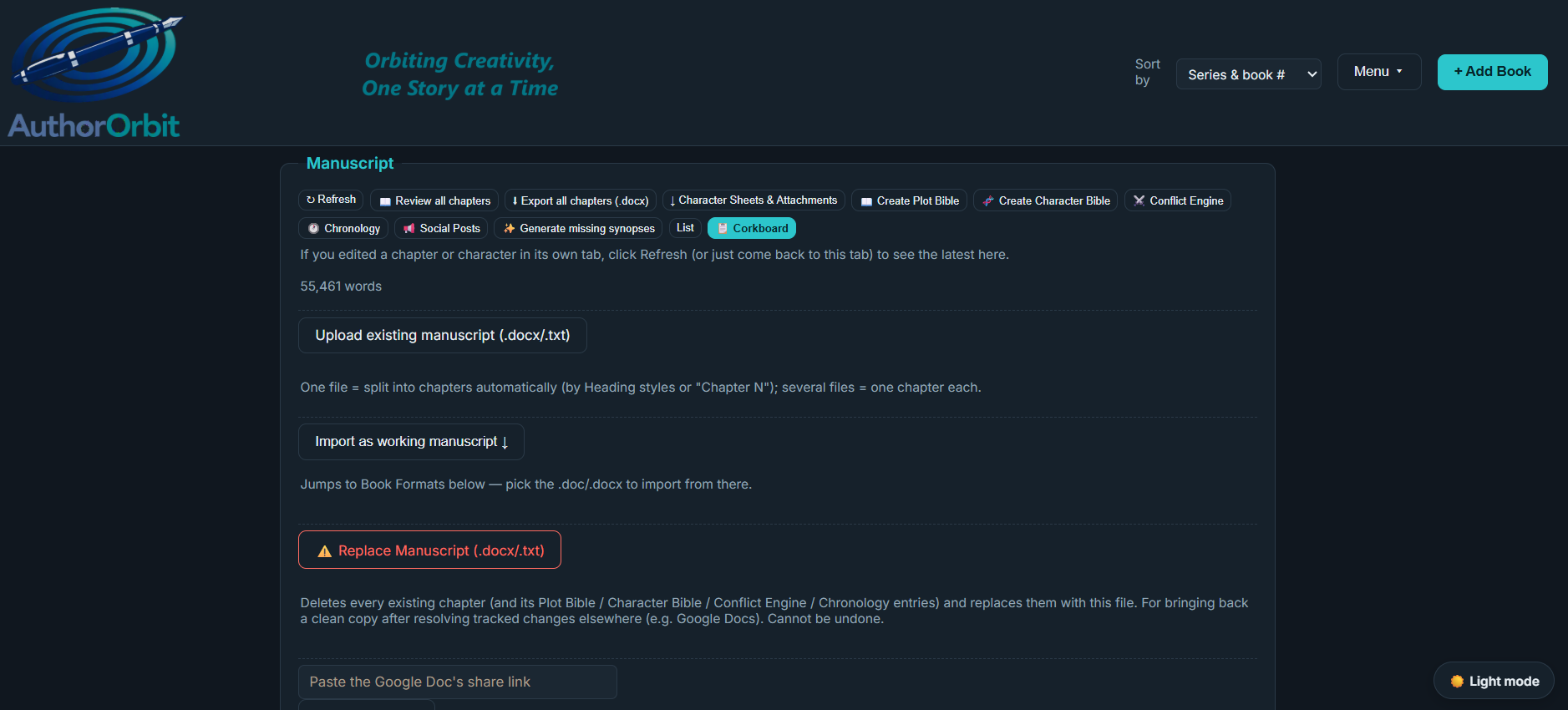
Project Creation
A calm writing studio built in. Draft chapters with clean, manuscript-standard formatting; import a manuscript you’ve started (or link a Google Doc and pull your latest changes); build rich character sheets; read your whole book in one continuous view; and compile the lot into a single Word document — chapters in order, each starting a new page, title page and word count included — when you’re ready to share. Ask for a Plot Bible and Character Bible straight from your own chapters, track the four tension layers with the Conflict Engine, and see your book as index cards on a corkboard. Keep research, images, maps, places and stray notes in the project’s own folders, and its manuscript files in every format you own — .doc, .docx, .pdf, .mobi, .epub or Final Draft. All without leaving the page.
Chronology
The timeline you never have to build by hand. Set the date your story opens and AuthorOrbit reads the manuscript’s own time cues — “the next morning”, “a fortnight later” — to walk a date onto every scene, marked confirmed where the text says so outright and estimated where it’s working from a relative cue. Best of all, it flags the continuity slips before your editor finds them: a March morning in a story that started in November, a stated Tuesday the calendar says is a Thursday, a time skip you never pinned down.
Word Progress
Set a target finish date; AuthorOrbit shows the steady daily word count that gets you there, for every work in progress.
Editor
Take on editing work for other authors without it ever mingling with your own manuscripts. A separate workspace with the same chapter tools, Bibles and Conflict Engine, plus payment tracking and an eleven-step status timeline.
Staying on top of it all
Author Admin
A simple board for everything on your plate, with per-task reminders that warn you early — a tax return weeks ahead, a newsletter a couple of days out.
Branding
Logos, colours, fonts, author photos, bios and taglines in one brand hub, so your look stays consistent everywhere.
Calendar
Every important date — releases, events, promos, deadlines — gathered automatically into one view you can scan at a glance or export to Google or Outlook.
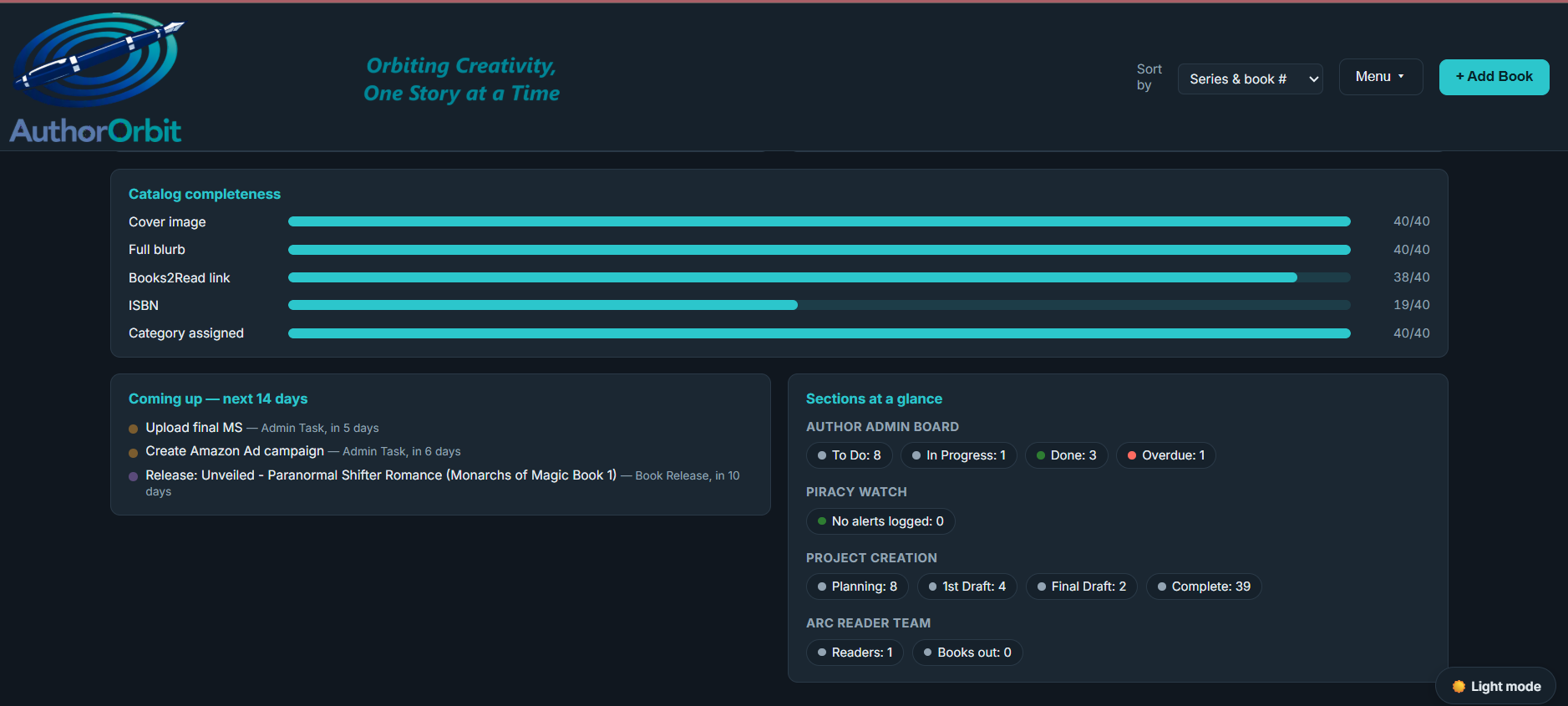
Dashboard
The landing screen: catalogue-completeness meters, a royalty trend from your last twelve statements, KPI tiles, a 14-day “coming up” list, and the search box that matches across every table and every chapter.